
Welcome first time users. To access your patient’s health claim information you will need a username and password.
Additionally, to ensure trouble free operation your computer should have the most recent version of JAVA downloaded and installed. Java software and updates can be found by clicking on the following link: Click Here to download the latest Java update
For first time users, your username and temporary password will be your provider federal tax ID number.
Once entered, click on the login button and this will bring you access to the Health Claim Information Screen where
you will be able to personalize your login information and update your email address. Please ensure that you enter the correct email address previously entered in the Health Claim Information Screen so we can contact you in
the event you forget your password.
If you are not in our provider payment data base you will need to contact Benefit Assistance Company and submit a W9 for verification. Click here for username and password assistance.
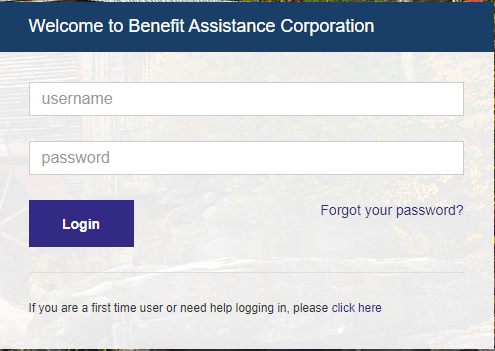
If you forgot your password you can click on the "Forgot Password" button and enter the information requested and a new password will be sent to your email address.
Click here for username and password assistance.
© 2019 All Rights Reserved